REFELCTION:
In this class we spoke about how we can control systems in order to help a computer get the data in needs in order to process for certain outputs. For example, we can use infra red sensing and remove those filters from a camera in order to track the brightest point in a capture without a human being able to sense it.
We also covered pixel kernels and how we can manipulate the values of these in order to get certain outputs based on algorithms such as a gaussian blur. The math is a bit over my head but it makes sense in the way that it is a way for a procedural way to read and manipulate data that a computer can understand.
It was interesting that facial recognition, face averages, and how they are used in AR filters were used as examples in the class since this is something I engage with regularly in my professional work as a creative producer that often has to manage AR filter projects. One of the reasons I wanted to take this class is to understand the technical behind the creative in what I do and other classes I have taken including Volumetric Capture.
.˳·˖ᘛ⁐̤ᕐᐷ˖·˳.
ASSIGNMENT // READING RESPONSES:
Readings:
- How I’m fighting bias in algorithms, Joy Buolamwini, 2016, TED
- When beauty is in the eye of the (robo)beholder, Noël Duan, 2017, arstechnica
- Why you should make useless things, Simone Giertz, 2018, TED
Response:
I really liked the term coined by Joy Buolamwini “coded gaze” because it succinctly describes what is happening when a computer ‘sees’ you. We like to think that because machines aren’t human that they are somehow immune to the pitfalls of a human’s senses that include bias. However, this is far from the case. Even in the case of beauty, this is something highly complex and subjective that I don’t think a machine would be able to accurately detect unless it was trained on each person’s unique preferences and even then, would probably get a lot wrong. Outside of the Beauty AI project mentioned in the arstechnica piece, this becomes increasingly concerning when machine learning models are used to help make far reaching decisions like in instances of crime and jail time or medically related decisions.
One thing I really appreciate about my Anthropology and Archaeology background is that because some of it is imprecise, you get used to acknowledging and trying to recognize where your shortcomings might be as an impartial observer. How I interpret certain artifacts and where they were found might differ vastly from a colleague. If we can both argue the point convencingly, there sometimes isn’t much else to tell us who is right, who is wrong, or if it is something completely unrelated to our first thoughts.
I truly feel that AI and machine learning models should be the same- that there are clear markers in where a model excels, where it’s shortfalls are, and where someone may not want to use it at all.
This is where the video on making useless machines I think largely comes into play. There are a lot of creative ways to solve a problem or look at something. I think by inviting more play and experimentation into our work it makes us better at what we do no matter what that is. There is something inherently childlike about it that the speaker Simone Giertz touches on. When you create simply for the act of creating without the pressure of such a specific goal, where does that leave you? Quite possibly in a more silly, experimental, and open place than where you started which I think a lot of industries, tech included, could benefit from.
.˳·˖ᘛ⁐̤ᕐᐷ˖·˳.
ASSIGNMENT // IMPERFECT ROBOTIC INTERACTION:
In groups of 2, research and implement some kind of existing technology, tool, library, or API to develop an Imperfect Robotic Interaction.
Constraints:
- Appropriates an existing technology
- Utilizes Computer Vision as a main form of Input
- Have at least 3 exchanges
Thought Starters:
- What is the user expectation for this experience?
- How does the personality of the BOT influence the interaction? (Marvin the paranoid android vs Bender the antihero from Futurama)
- How does the implemented technology enhance or constrain the experience?
Our Imperfect Bot Interaction:
For our imperfect bot interaction, Devlyn and I first decided to create a ‘photo booth roulette’ where the user will prompt the bot to take a picture, but will never know quite what option they will get out of three outcomes: a glitchy, pixelated photo, a random photo, or an expected, nice quality photo.
The plan was to create a prototype in p5.js and then bring it into TouchDesigner to have more control over the effects and have an overall cleaner look. However after hitting some walls in TouchDesigner we pivoted to sticking with a p5.js sketch.
Devlyn did a lot of the leg work in the initial design by creating a live feed dashboard and various filters triggered by buttons. I ended up mirroring the image feed sothe hand tracking would make a bit more sense to the user and then had to struggle through flipping the finger tracking with the mL5 library. After I worked on consolidating some of the code into a single button and thinking deeper about the filters, I added in a line to help sell the idea of a photo booth- “Say cheese!”
That’s when it hit me- computer vision…. CV… Cheese Vision.
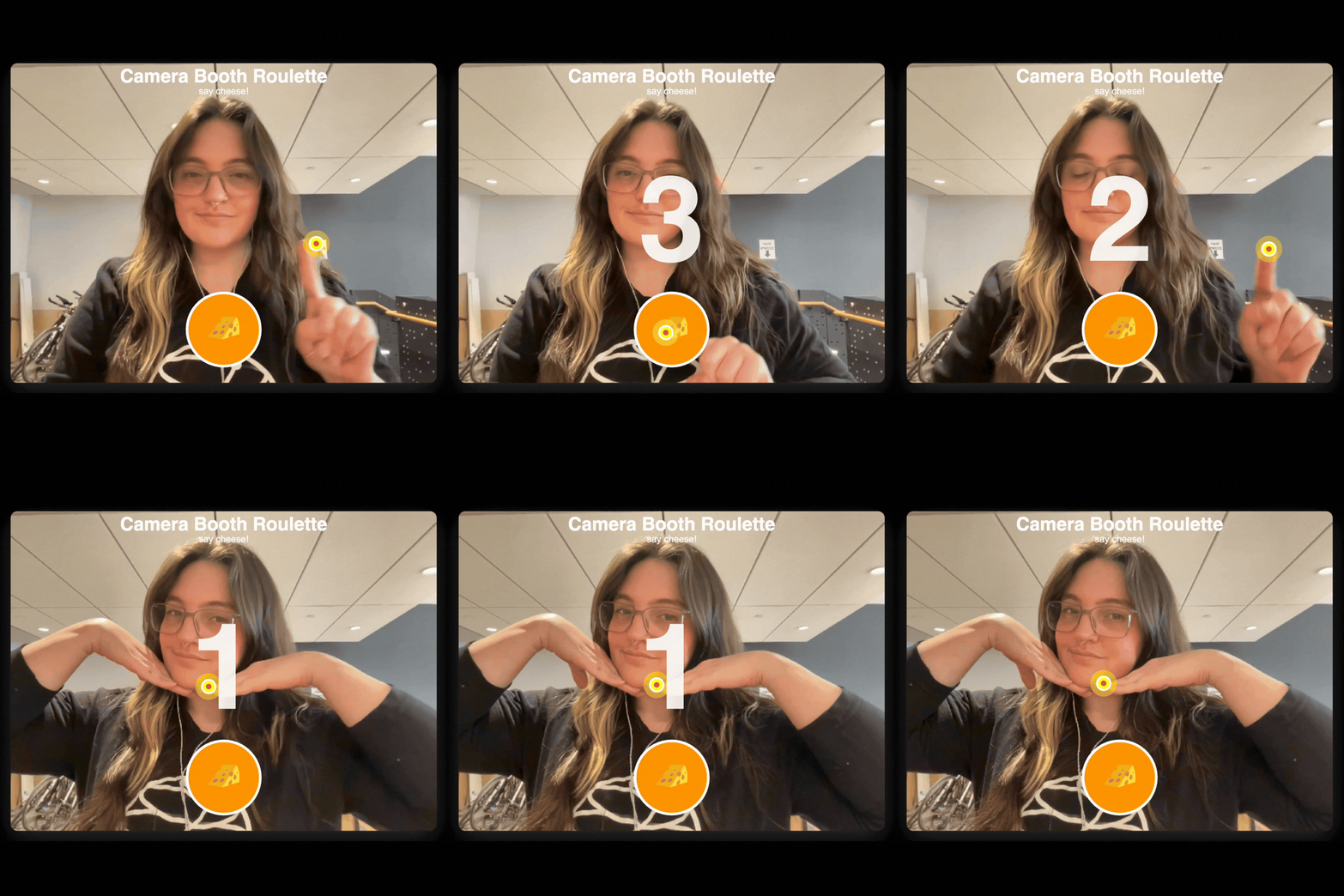
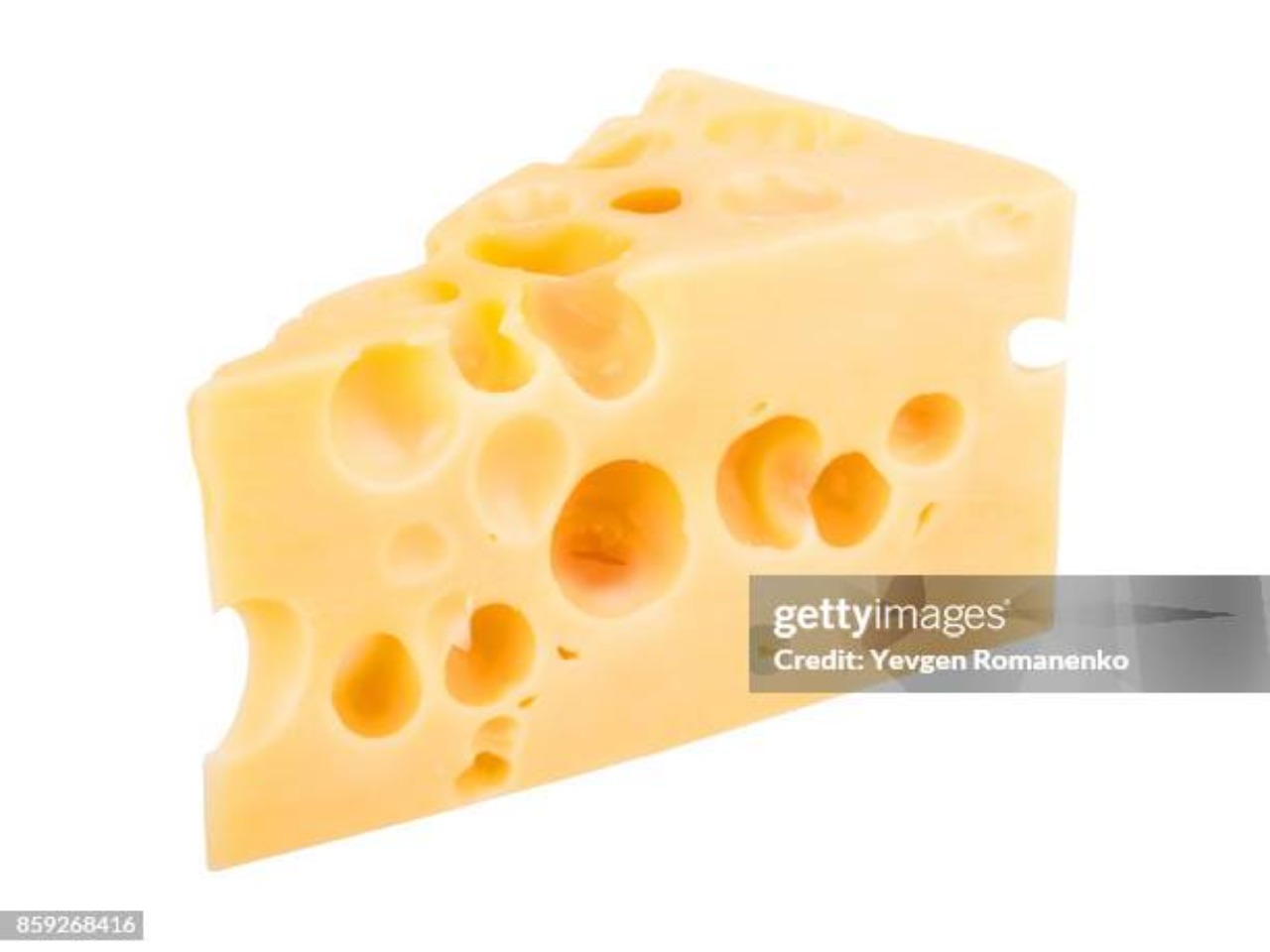
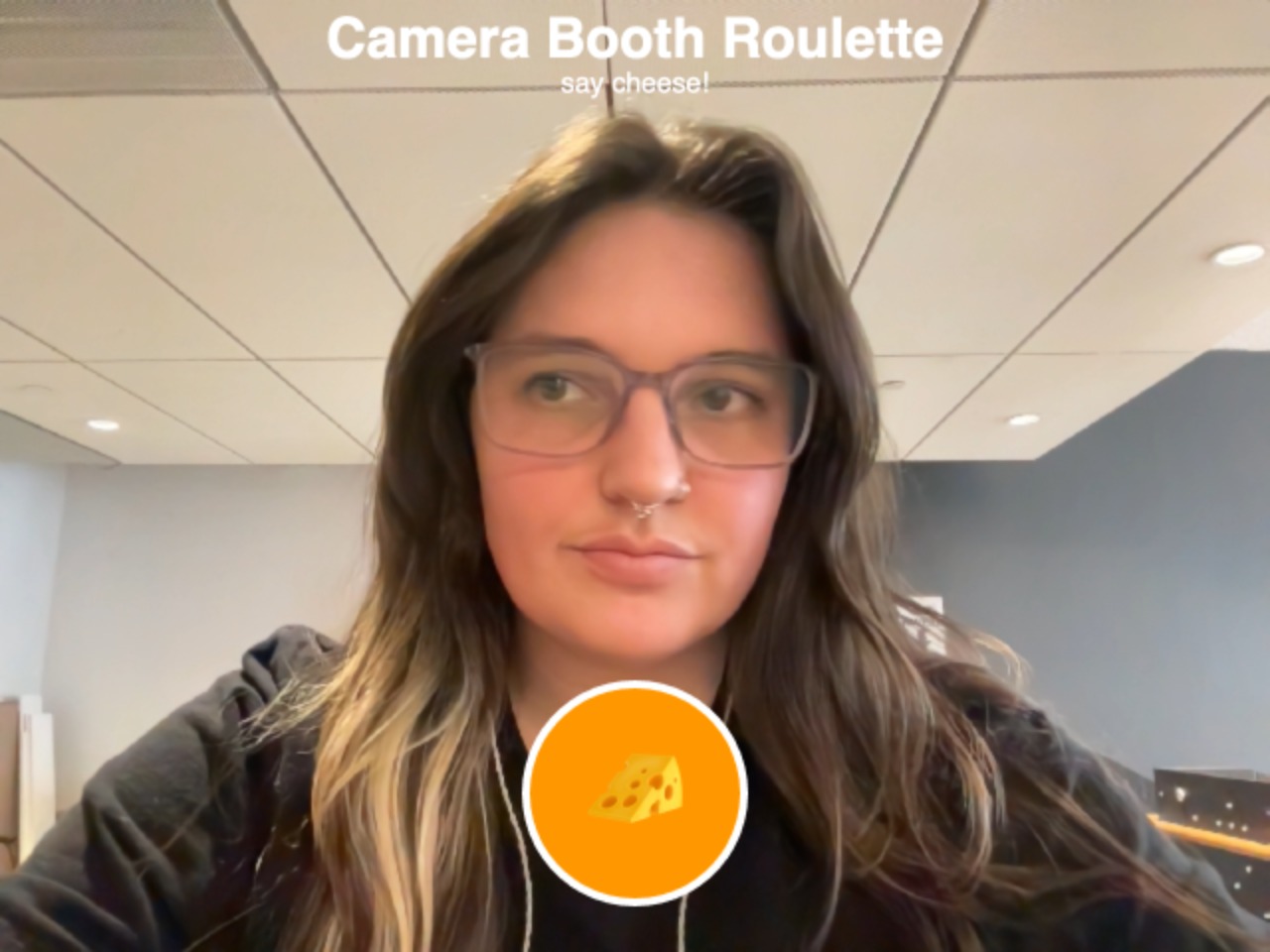
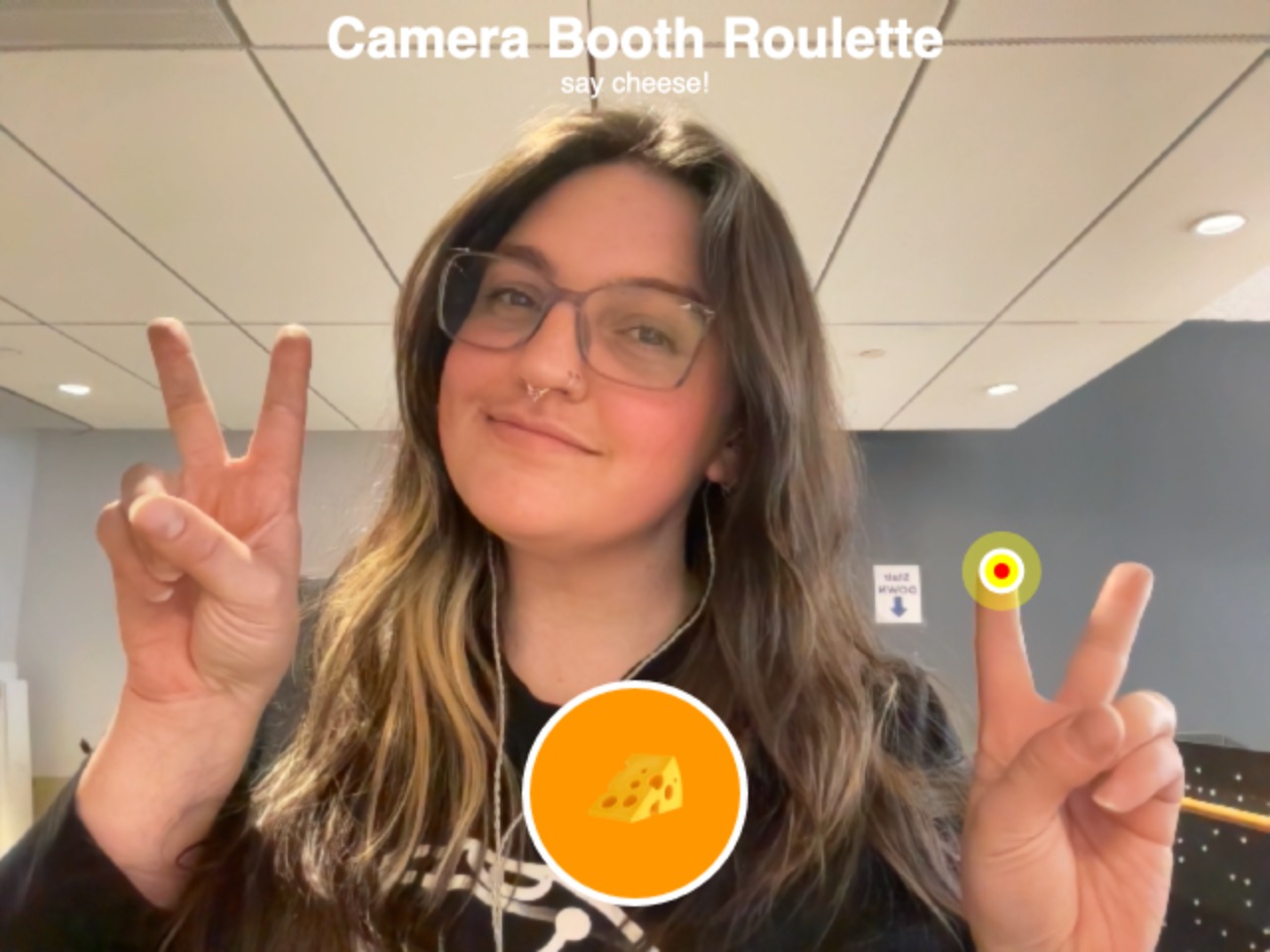
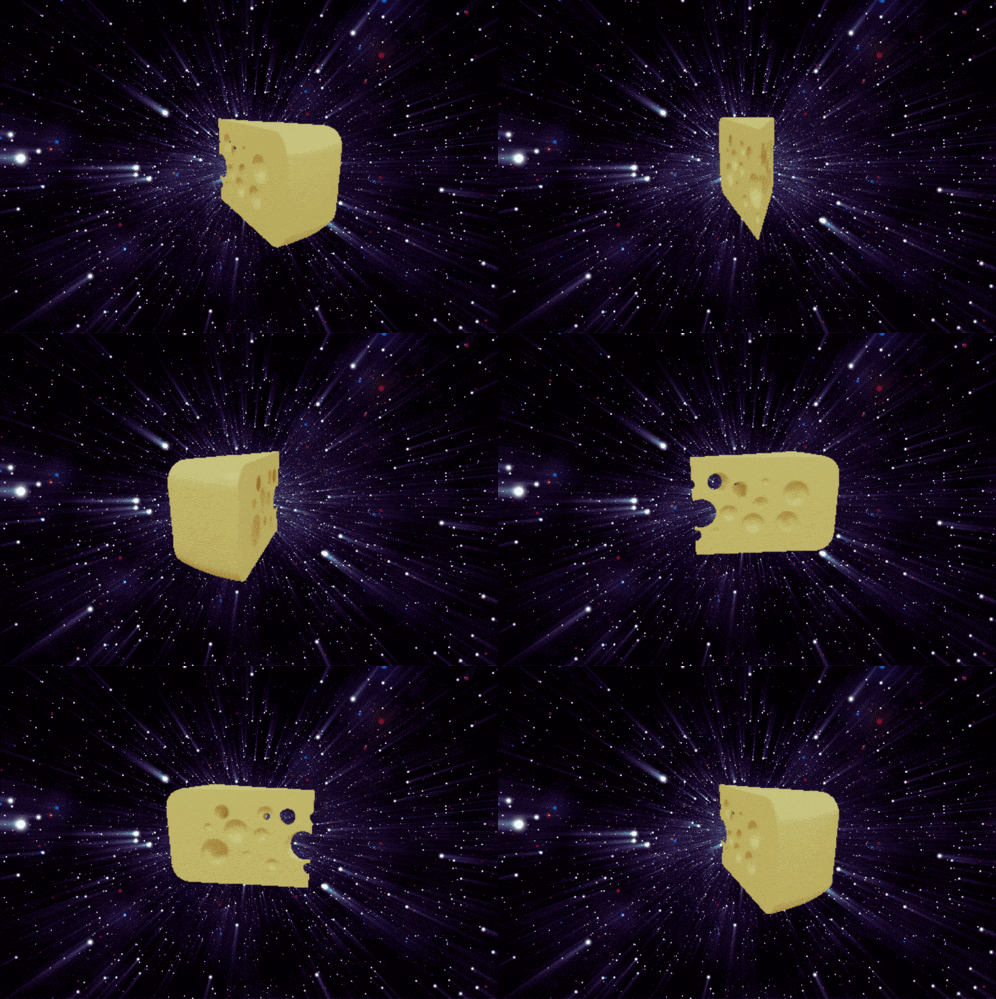
Now our photo booth roulette is embedded with the latest innovations in CheeseVision technology. After the user triggers the interaction with their finger, it is left up to fate and the booth decides- do you get a picture or do you get one of 6 randomized photos of cheese?!
Who knows, you’ll just have to try it yourself to see!
.. ( ),,,( ) .
. >( • – • )< .
~~( >🧀 . .
.˳·˖ᘛ⁐̤ᕐᐷ˖·˳.
While overall I am really happy with how this came out, some ideas for future iteration are…
- More Cheese
I’d love to add in more delightful/cheesy moments (Maybe it rains cheese emoji’s after your photo get taken? Maybe it is a cheese filter that turns the users head into a block of cheese? The possibilities here are endless) and clean up the capture a bit. - TouchDesigner
Integrating the experience in TouchDesigner would allow for a cleaner look and better overall control so I think it would be good to move the project there - More Photo Booth Vibes
With more experimentation and time I think it would be fun to give it more of a photo booth vibe with interactions that mimic actual photo booths irl (curtain you pull back, flash when picture is taken, multiple pics saved to a strip, etc.).
.˳·˖ᘛ⁐̤ᕐᐷ˖·˳.
Resources I found helpful throughout this process:
- I coded this in Cursor on my desktop so I could ask questions while I was coding. I especially was having trouble with the hand-tracking and the mirrored screen orientation so it was super helpful explaining that process along with consolidating the 3 buttons we started with into one.
⠀⠀⠀⠀⠀⠀⠀⠀⠀⠀⠀⠀⠀⠀⠀⠀⡀⠀⠀⠀⠀⠀⠀⠀⠀⠀⠀⠀⠀⠀
⠀⠀⠀⠀⠀⠀⠀⠀⠀⠀⠀⠀⠀⠀⢠⡞⠉⠛⠶⢤⣀⡀⠀⠀⠀⠀⠀⠀⠀⠀
⠀⠀⠀⠀⠀⠀⠀⠀⠀⠀⠀⠀⢀⡴⠋⢰⠞⠛⢷⠀⠈⠙⠳⠦⣄⣀⠀⠀⠀⠀
⠀⠀⠀⠀⠀⠀⠀⠀⠀⠀⠀⣠⠞⠁⠀⠘⠒⠒⠋⠀⣠⣤⡀⠀⠀⠉⠛⢶⣤⣀
⠀⠀⠀⠀⠀⠀⠀⠀⠀⢀⡼⠋⢀⡴⠖⠶⢦⠀⠀⠀⢧⣬⠇⣀⣠⠴⠞⠋⠁⡏
⠀⠀⠀⠀⠀⠀⠀⠀⣠⠟⠀⠀⠘⠧⣤⣀⡼⠀⢀⣀⡤⠶⢛⣩⣤⣀⠀⢠⡞⠋
⠀⠀⠀⠀⠀⠀⣠⠞⣁⣀⠀⠀⠀⠀⢀⣠⡴⠖⠋⠁⠀⠀⣿⠁⠀⣹⠀⠈⢷⡄
⠀⠀⠀⠀⣠⠞⠁⠀⠷⠿⣀⣤⠴⠚⠉⠁⠀⠀⠀⠀⠀⠀⠈⠓⠒⠃⠀⠀⠀⡇
⠀⠀⣠⠞⣁⣠⡤⠶⠚⠛⠉⠀⠀⠀⣀⡀⠀⠀⠀⠀⢀⡤⠶⠶⠦⣄⠀⠀⠀⡇
⠀⡾⠛⠋⢉⣤⢤⣀⠀⠀⠀⠀⣰⠞⠉⠙⠳⡄⠀⠀⡟⠀⠀⠀⠀⢸⡆⠀⠀⡇
⠀⡇⠀⢰⡏⠀⠀⢹⡆⠀⠀⠀⡇⠀⠀⠀⠀⣿⠀⠀⠳⣄⡀⠀⢀⣸⠇⠀⠀⡇
⠀⡇⠀⠀⢷⣤⣤⠞⠁⠀⠀⠀⢷⣀⣀⣠⡴⠃⠀⠀⠀⠈⠉⠉⠉⠁⣀⣠⠴⠇
⠀⠻⣆⠀⠀⠀⠀⢀⣀⣤⣀⠀⠀⠉⠉⠁⠀⠀⠀⠀⠀⢀⣠⡤⠖⠛⠉⠀⠀⠀
⠀⠀⡿⠀⠀⠀⢰⡏⠀⠀⢹⡆⠀⠀⠀⠀⠀⣀⣤⠶⠚⠉⠁⠀⠀⠀⠀⠀⠀⠀
⢰⠞⠁⠀⠀⠀⠀⢷⣄⣤⠞⠁⣀⣠⠴⠚⠋⠁⠀⠀⠀⠀⠀⠀⠀⠀⠀⠀⠀⠀
⢸⡆⠀⠀⠀⠀⠀⠀⣀⡤⠖⠛⠉⠀⠀⠀⠀⠀⠀⠀⠀⠀⠀⠀⠀⠀⠀⠀⠀⠀
⢸⡇⠀⢀⣠⡴⠞⠋⠁⠀⠀⠀⠀⠀⠀⠀⠀⠀⠀⠀⠀⠀⠀⠀⠀⠀⠀⠀⠀⠀
⠀⠟⠛⠉⠀⠀⠀⠀⠀⠀⠀⠀⠀⠀⠀⠀⠀⠀⠀⠀⠀⠀⠀⠀⠀⠀⠀⠀⠀⠀
⠀⠀⠀⠀⠀⠀
 itp oddities
Leave a comment