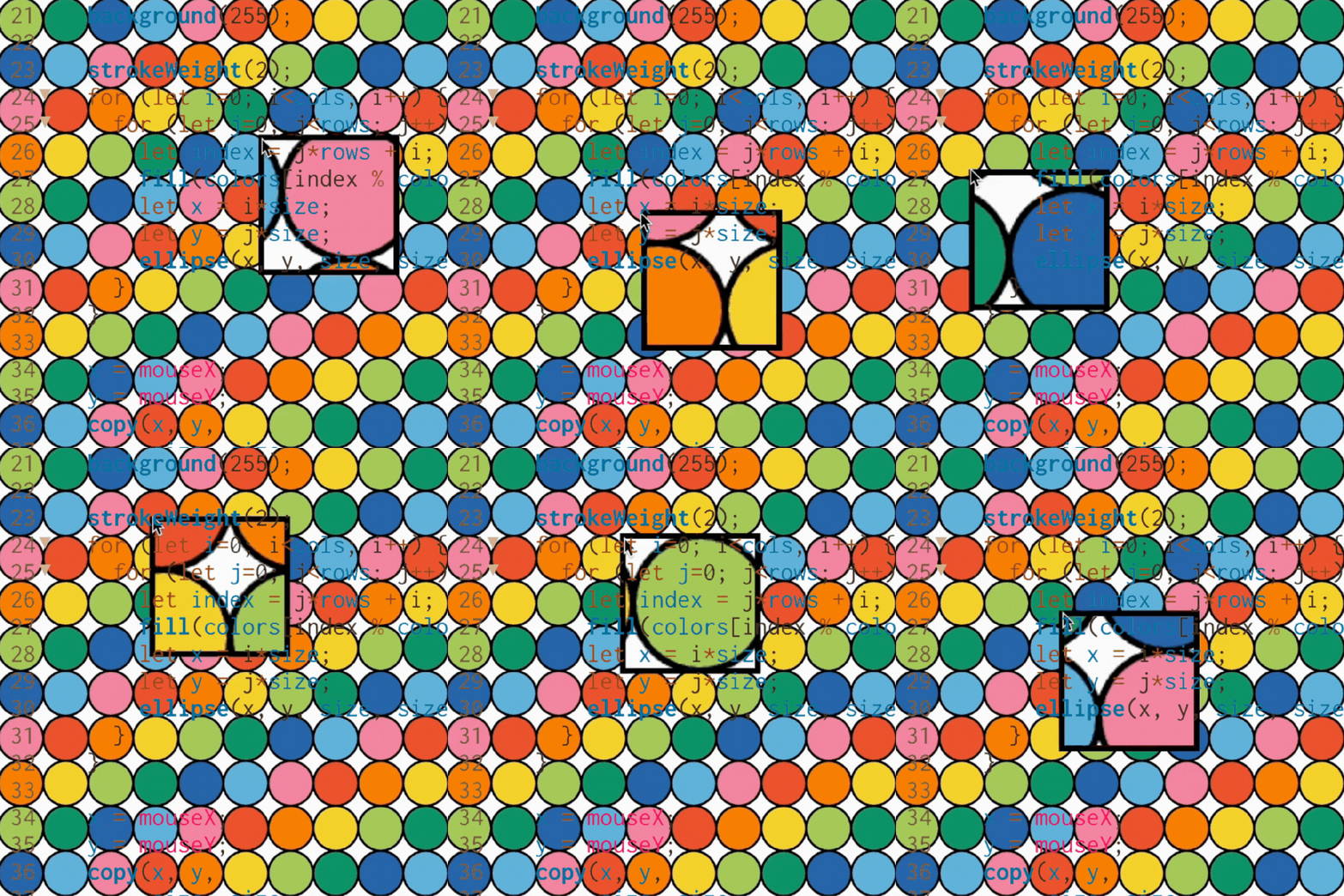
ASSIGNMENT // CREATE A SKETCH:
“Make a project that manipulates images or video on the pixel level.”
For this assignment I decided it could be fun to do a magnifying glass effect on a video of ameobas. Unfortunately I was not successful, but learned a lot in the process of getting there.
⋅ ˚.⋆。⌕。⋆.˚ ⋅
I started thinking about the zoom in process and see if there were any tutorials online that kind of covered what I wanted to accomplish. Lucky for me, one of my favorite creative coders Patt Vira has a YouTube tutorial for a project that is very similar to what I wanted to accomplish.
To understand the concepts I needed to know, I followed the tutorial and created the project featured in the video which is a colorful grid of circles that allows you to ‘zoom in’ on the pattern aka scale certain parts of the sketch up. ⌕。⋆.˚ ⋅
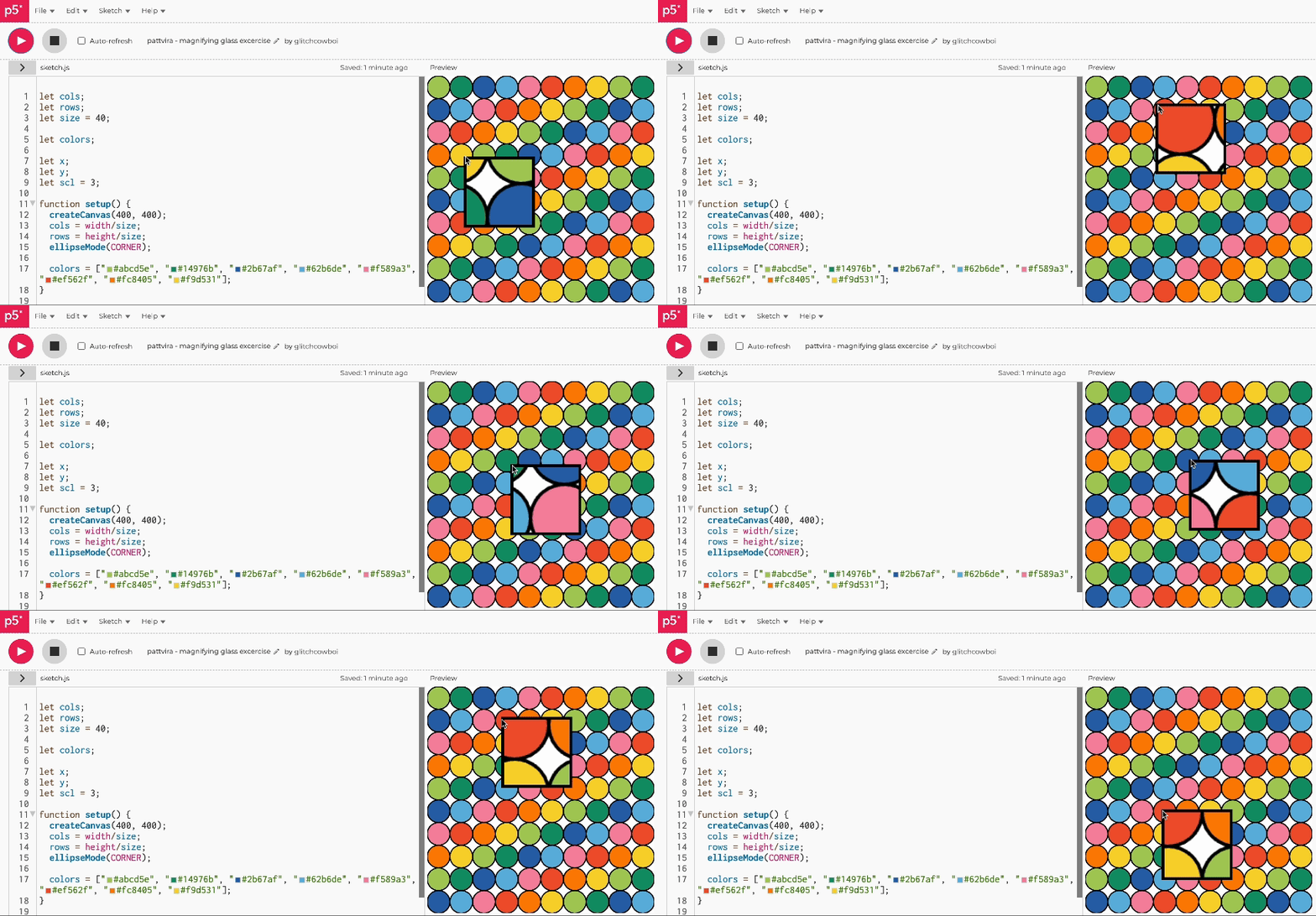
This is the code that gives the magnifying glass effect. It essentially creates a little window that increases the scale in that area giving it a magnified effect.
function draw() {
  x = mouseX;
  y = mouseY;
  copy(x, y,
       size, size,
       x, y,
       size*scl, size*scl);
  noFill();
  strokeWeight(5);
  rect(x, y, size*scl, size*scl);
}
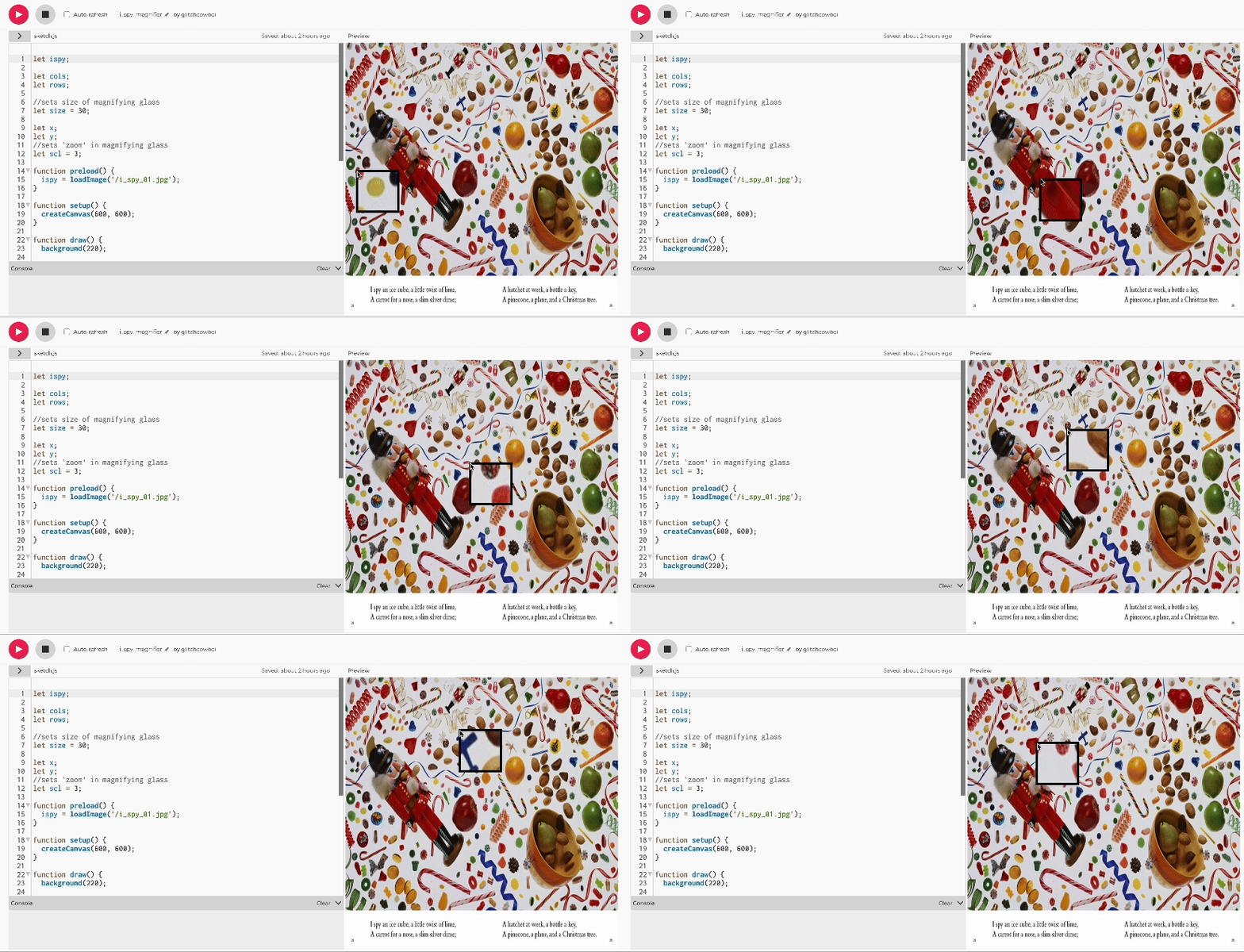
Afterwards I decided to try setting this concept up on my own with an image as the background instead of the pattern. I then watched the rest of the tutorial to see if I missed anything when setting up the sketch with a .jpg as the subject.
For the image-based sketch I decided to do a take on I Spy which was a book a really enjoyed growing up. I loved the beautiful and creative photography and spending hours not just looking for the items called out in the book, but also finding all the fun details in the complex set ups. ⌕。⋆.˚ ⋅
After that was done I moved on to the video and sourced a neat video with Ameobas under a microscope from the Internet Archive and chopped it into a short clip for my project.
While the video itself looks really cool (sketch linked here), I was not able to get the ‘microscope’ effect like I had in the I Spy image example. My guess is that since the video is simply calling in new frames, that it doesn’t function the same way an image is which is something simple in that it is the same thing called on repeatedly. ⌕。⋆.˚ ⋅
When thinking about other approaches I might take to this I was thinking I could potentially create a sketch where there are two videos layered and then have one that is more zoomed in. The video with the zoom can be masked out to a shape that follows the mouse so that as you travel around the video underneath, the ‘zoomed in’ video on top which has the larger scale shows up. The one big potentially limiting thing I can see here is that the videos may not line up well which would throw off the microscope illusion.
In summary I probably should have done a bit more research ahead of time to see if my idea was technically possible, but overall it was a fun exercise and I learned a lot in my exploration so I don’t consider it a full loss.
⋅ ˚.⋆。⌕。⋆.˚ ⋅
Here are the things I would love to incorporate in future iterations of this sketch:
- Create a game
Instead of a video it could be fun to create a game where you have to ‘catch’ certain things in the microscope and get points for it. - Create my own version of iSpy
In another version I could do my own iSpy on a big canvas and once you ‘find’ something in the magnifying glass it gets crossed off of the list. - Add in sound to make it more engaging
Adding in sound effects or music I think could help make the experience a bit more fun and engaging rather than just silence.
Shout out to all the people who share their work with the world for the rest of us to admire and learn from! Here are some resources I found helpful throughout this process:
- p5.js Code References
(used specifically for review on video and image loading references) - Patt Viera’s YouTube tutorial on magnifying glass code
- Video basics p5.js sketch from in class
⣿⣿⣿⣿⣿⣿⣿⣿⣿⣿⣿⣿⣿⣿⣿⣿⡿⠿⠿⠿⠿⠿⢿⣿⣿⣿⣿⣿⣿⣿
⣿⣿⣿⣿⣿⣿⣿⣿⣿⣿⣿⣿⣿⡿⠋⣁⣤⡶⠶⠶⠶⢶⣤⣈⠙⠻⣿⣿⣿⣿
⣿⣿⣿⣿⣿⣿⣿⣿⣿⣿⣿⡿⠋⣴⠟⠋⠀⠀⠀⠀⠀⢀⠀⠉⠳⣆⠈⢿⣿⣿
⣿⣿⣿⣿⣿⣿⣿⣿⣿⣿⣿⠃⣾⠋⠀⠀⠀⠀⠀⠀⠀⠀⠹⣶⣄⠘⣧⠈⣿⣿
⣿⣿⣿⣿⣿⣿⣿⣿⣿⣿⡏⢸⡏⠀⠀⠀⠀⠀⠀⠀⠀⠀⢀⣿⣿⣷⣿⡆⢸⣿
⣿⣿⣿⣿⣿⣿⣿⣿⣿⣿⡇⢸⡇⠀⣤⠀⠀⠀⠀⠀⠀⢀⣼⣿⣿⣿⣿⡇⢸⣿
⣿⣿⣿⣿⣿⣿⣿⣿⣿⣿⣷⠈⣿⡀⢹⣷⣤⣄⣠⣤⣶⣿⣿⣿⣿⣿⣿⠁⣼⣿
⣿⣿⣿⣿⣿⣿⣿⣿⣿⣿⣿⣇⠘⢿⣄⢻⣿⣿⣿⣿⣿⣿⣿⣿⣿⡿⠃⣼⣿⣿
⣿⣿⣿⣿⣿⣿⣿⣿⣿⣿⣿⣿⡃⣀⠙⠻⣿⣿⣿⣿⣿⣿⣿⠿⠋⣠⣾⣿⣿⣿
⣿⣿⣿⣿⣿⣿⣿⣿⠟⠁⠀⠙⣿⣿⣷⣶⣤⣬⣍⣉⣩⣥⣴⣶⣿⣿⣿⣿⣿⣿
⣿⣿⣿⣿⣿⣿⠟⠁⠀⠀⣠⣾⣿⣿⣿⣿⣿⣿⣿⣿⣿⣿⣿⣿⣿⣿⣿⣿⣿⣿
⣿⣿⣿⣿⠟⠁⠀⠀⣠⣾⣿⣿⣿⣿⣿⣿⣿⣿⣿⣿⣿⣿⣿⣿⣿⣿⣿⣿⣿⣿
⣿⣿⣿⠁⠀⠀⣠⣾⣿⣿⣿⣿⣿⣿⣿⣿⣿⣿⣿⣿⣿⣿⣿⣿⣿⣿⣿⣿⣿⣿
⣿⡿⠻⣷⣤⣾⣿⣿⣿⣿⣿⣿⣿⣿⣿⣿⣿⣿⣿⣿⣿⣿⣿⣿⣿⣿⣿⣿⣿⣿
⣿⣿⣾⣿⣿⣿⣿⣿⣿⣿⣿⣿⣿⣿⣿⣿⣿⣿⣿⣿⣿⣿⣿⣿⣿⣿⣿⣿⣿⣿
 itp oddities
Leave a comment